
Upload submissions in the Upload Centre
Upload entries in the 20 categories and two complete newspapers as a pdf in the Upload Centre.
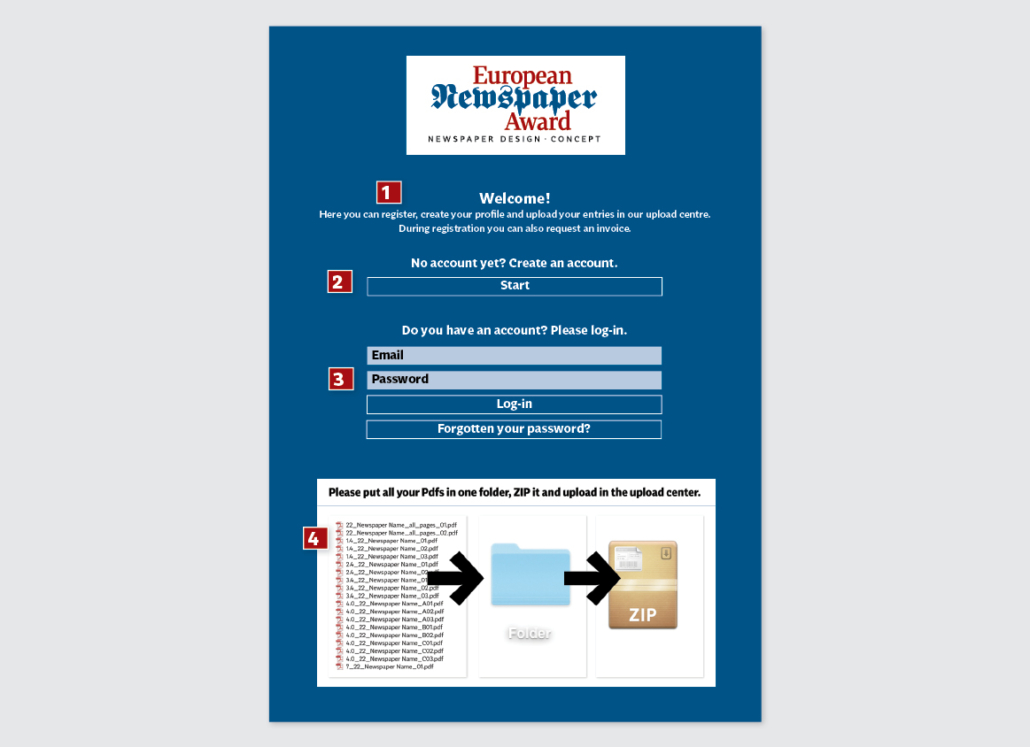
1.
Use the Upload Center: Upload Center
2.
Create an account and enter the required information.
3.
If you have an account from the previous year, you can register again. We can also send you a new password.
4.
Do not send your submissions as individual pdf files, but put all submissions together in a single folder and zip the files. Then upload. Up to 600 MB can be done in one upload. If you have more data, just do a second upload. Film files can also be uploaded in this way.
Corrections to submissions
Files that have been uploaded can no longer be changed. If you want to add something, you can make another upload. If necessary, you can also completely re-upload the data. We will then delete the old files.